Configure nextcloud
Configuring the Nextcloud app is not that hard. We'll guide you trough the steps.
If you haven't downloaded Nextcloud first, go to install Nextcloud first and then come back here.
Configure mobile app
Log in in the web interface at cloud.oblak.be
Go to Devices & Sessions in the security settings.
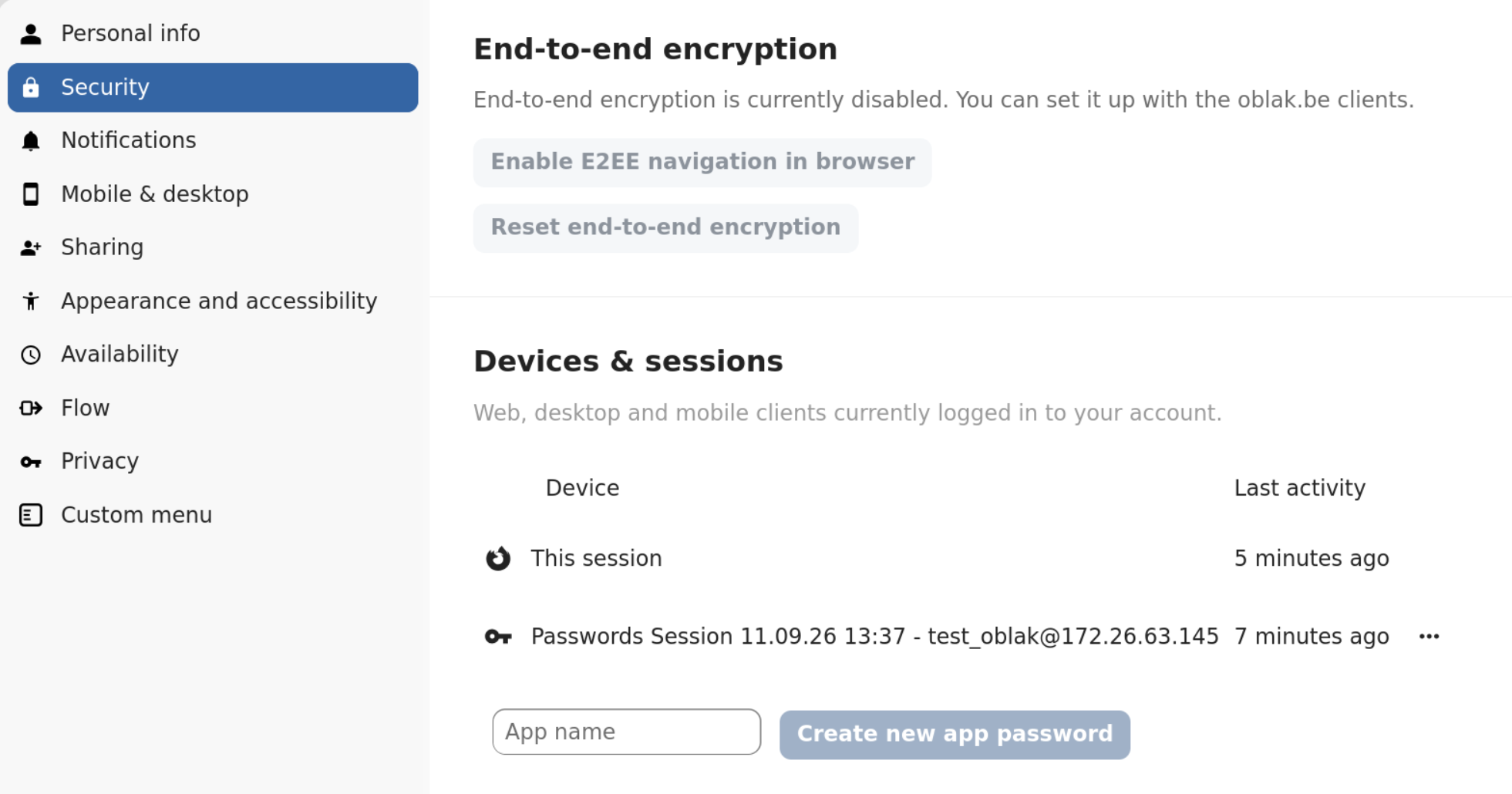
Enter an app name (can be anything) and click Create new app password.

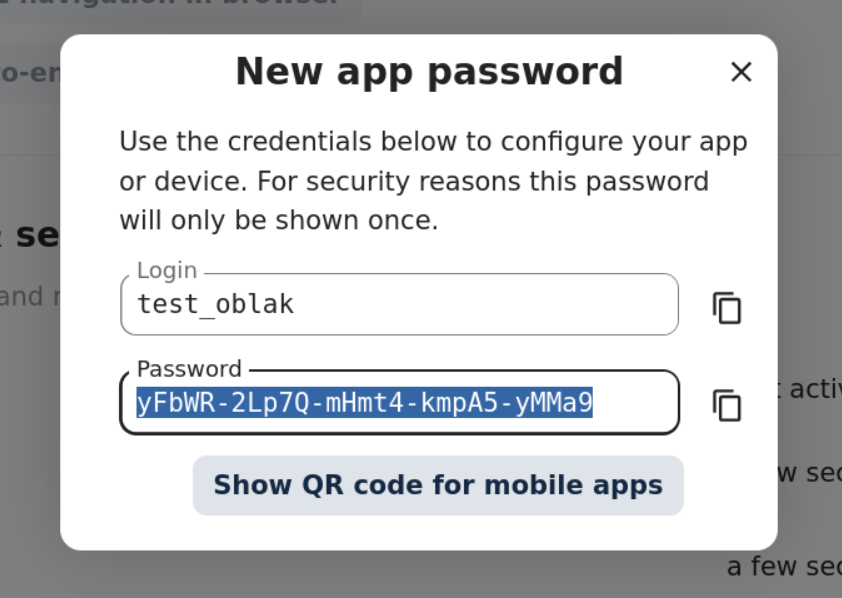
Click Show QR code for mobile apps and open the Nextcloud app on your mobile phone
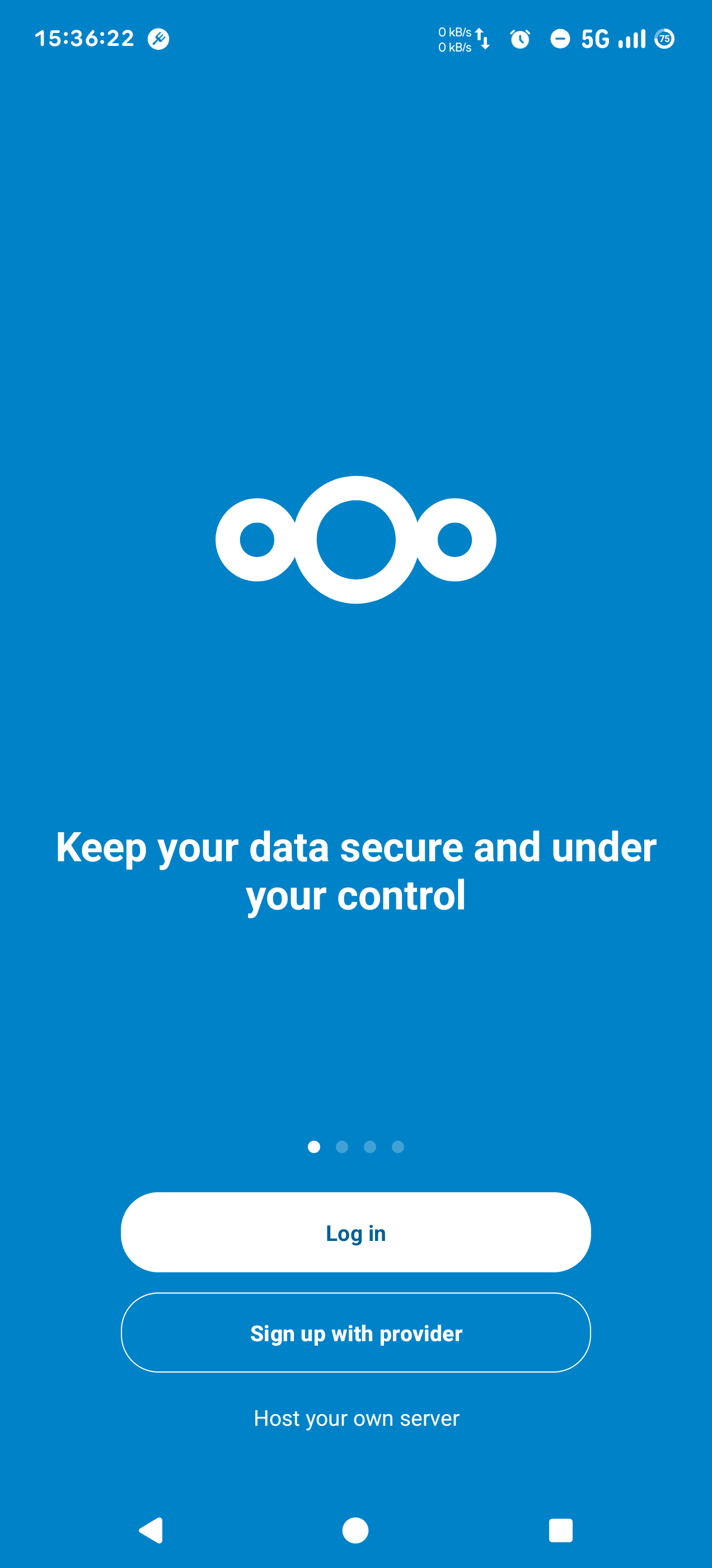
When you open the app, tap the Log in button to configure Nextcloud for the first time.
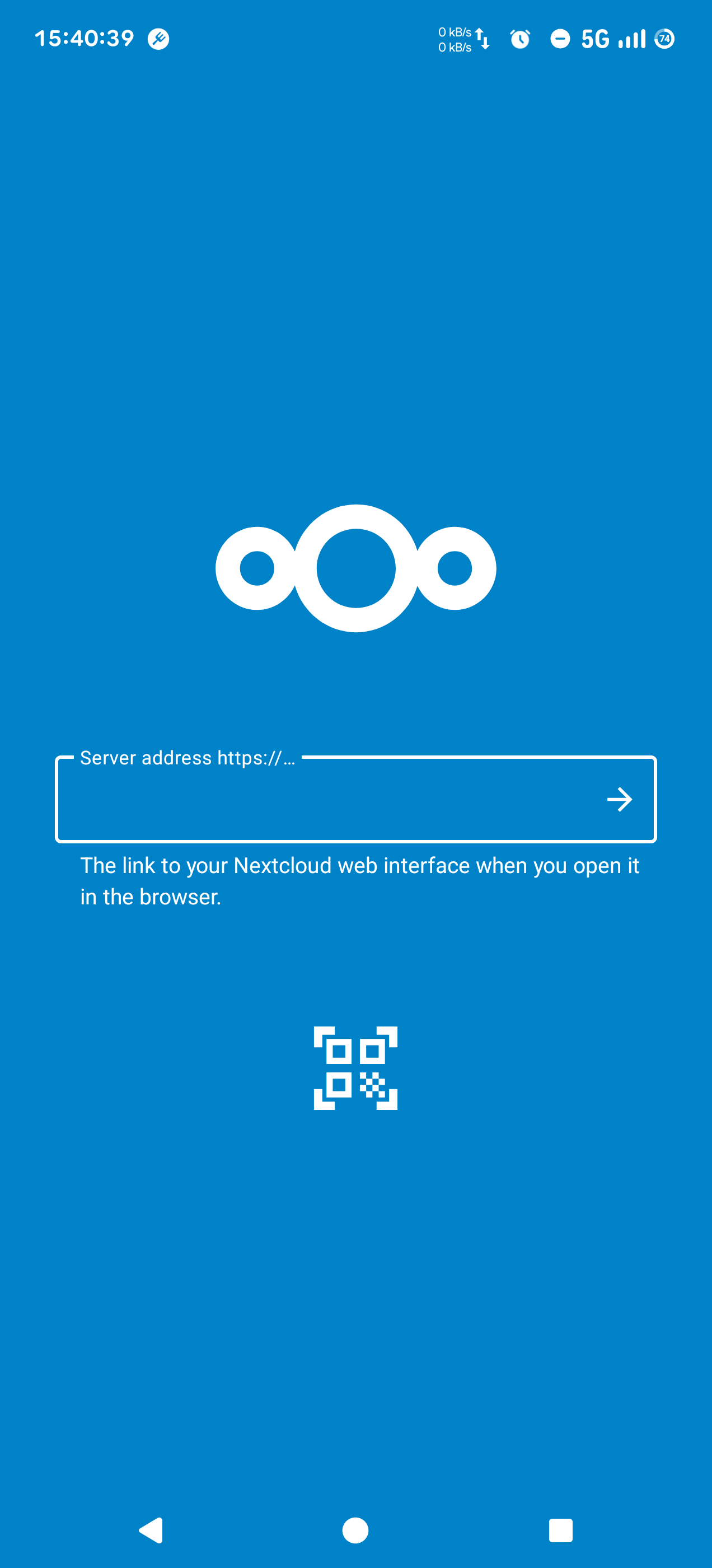
Tap the QR code icon, to connect to the cloud. Scan the QR code that's displayed in the web interface.
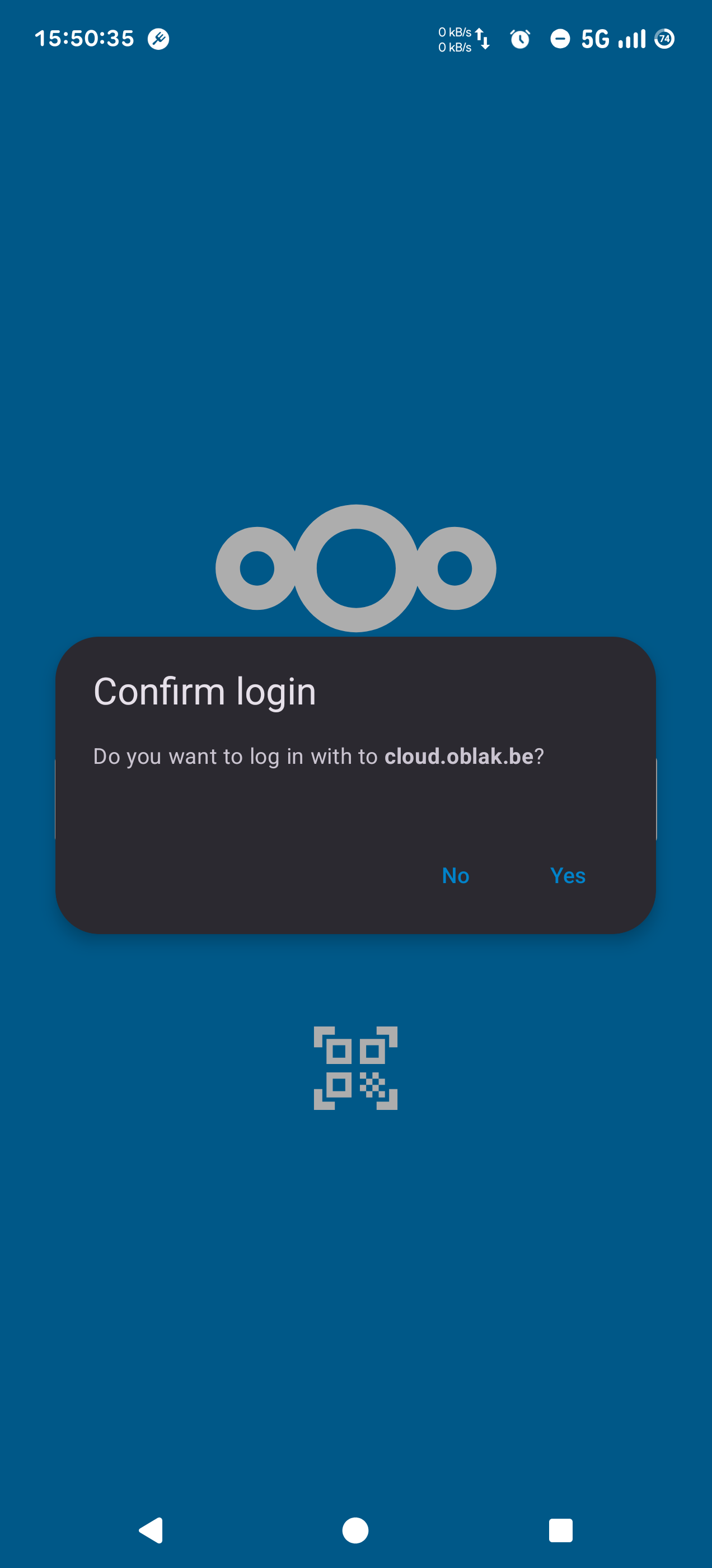
Tap Yes when the pop-up "Confirm login" appears.
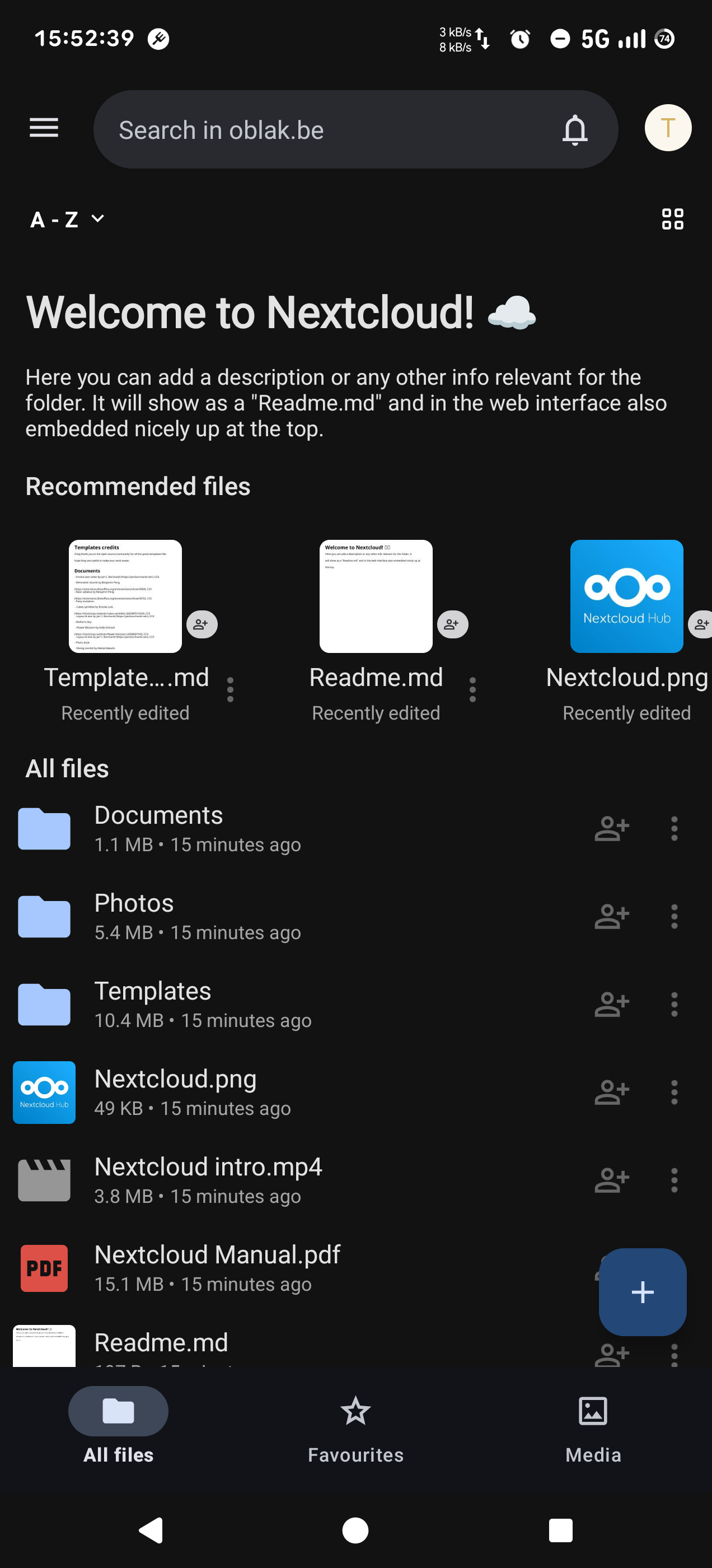
That's it! You have successfully configured your Nextcloud mobile app.